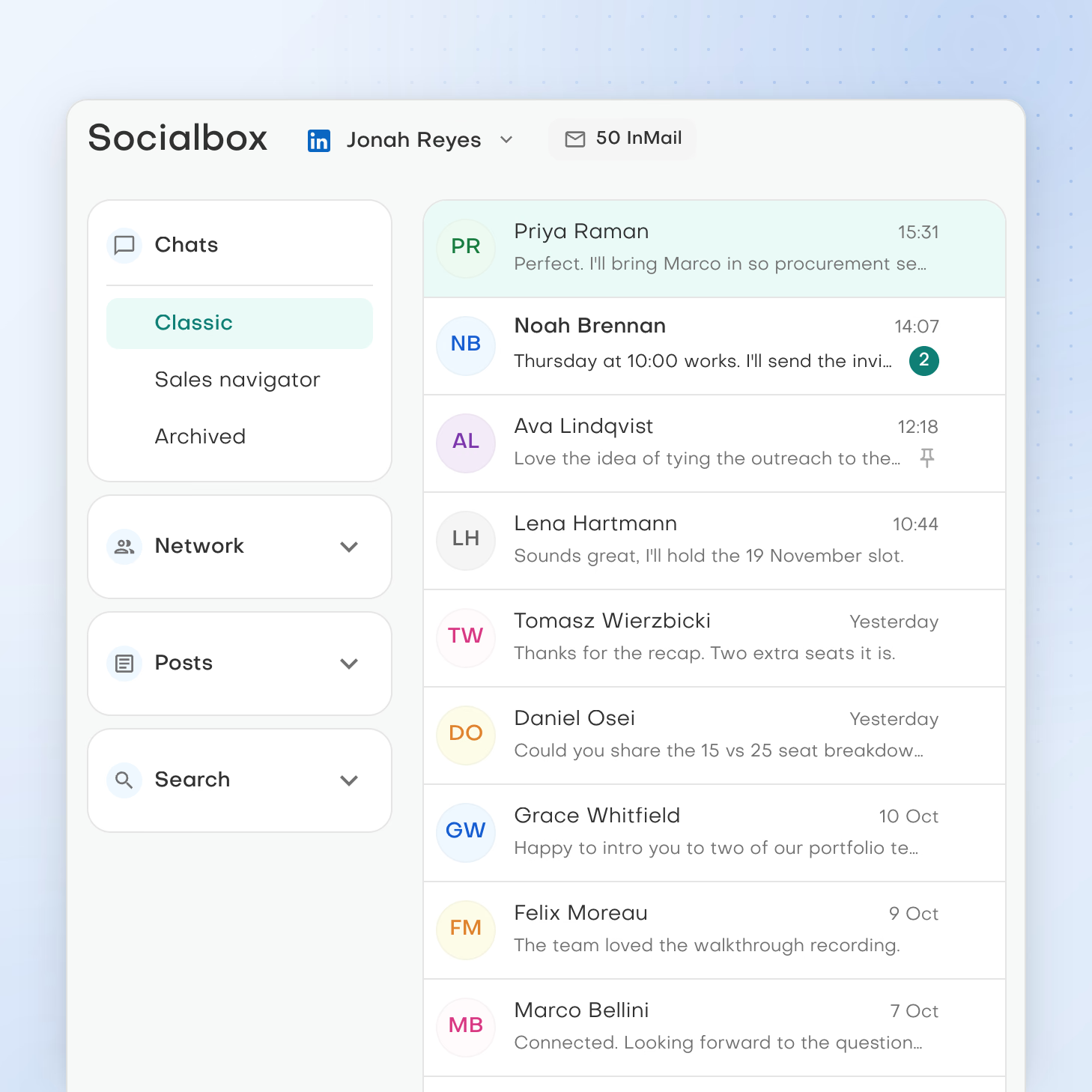
One inbox for social chats
You will read and reply to LinkedIn, WhatsApp, Instagram and Telegram chats in Inbox and Archived views, pin, mute, archive or rename chats, attach files and start a new message from the account you choose.

Social conversations. One place
Socialbox will let you read and answer LinkedIn, WhatsApp, Instagram and Telegram chats in one inbox. You will also manage your LinkedIn network and searches, and post to LinkedIn and Instagram, without leaving Pebbles Ai.
What you can work on
You will read and reply to LinkedIn, WhatsApp, Instagram and Telegram chats in Inbox and Archived views, pin, mute, archive or rename chats, attach files and start a new message from the account you choose.
You will work through LinkedIn connection requests, followers and connections, invite people with a note and message them. Create and edit posts on LinkedIn, as yourself or a company page, and on Instagram, and search LinkedIn people, companies, jobs and posts.
Each account will connect through a secure hosted sign-in managed by Pebbles Ai. Messages will be spaced out and daily profile-view limits respected, to help keep your accounts in good standing with each network.
A practical starting point
Clear answers
There is no release date yet. Socialbox is in development now. When it arrives, you will connect each account from the Social accounts tab in Settings.
Socialbox will connect LinkedIn, WhatsApp, Instagram and Telegram. Chats will work on all four. Network tools and search will be built around LinkedIn, and you will post to LinkedIn and Instagram. Instagram will also add your profile, requests, followers and following, and WhatsApp and Telegram are for chats. X, Facebook and email are not part of Socialbox.
Yes. Socialbox will bring LinkedIn, WhatsApp, Instagram and Telegram chats into one inbox, with Inbox and Archived views. You will be able to pin, mute, archive or rename chats, attach files and choose which account to send from.
Socialbox will help you manage your LinkedIn network in one place. You will work through connection requests, followers and connections, and invite people with an optional note and message them. You will also be able to create and edit posts on LinkedIn, as yourself or a company page, and on Instagram, and search LinkedIn people, companies, jobs and posts.
No. Socialbox is where you will read, reply and manage your social accounts yourself. It will not include Write with AI, personalities or scheduled posting. You will write each message, and posts will go out when you publish them.
Smartbox is for Gmail and Outlook email, and you can use it now. Socialbox will be for social chats on LinkedIn, WhatsApp, Instagram and Telegram. Smartbox has Write with AI to draft replies. In Socialbox, you will write messages yourself.
Socialbox will protect your accounts by pacing your activity. Messages will be spaced out and kept within each network's daily limits, to help keep each account in good standing. Each account connects through a secure hosted sign-in managed by Pebbles Ai.
For more context, read Outreach content vs email sending tools
Your next chapter
Start free with Smartbox and the AI workspace, and add Socialbox to the same workspace when it arrives.