How does AI find companies that match my ideal customer?
Describe your ideal customer in chat, and the Marketing or Strategy assistant finds matching companies. It searches by keyword, head office country or region, industry and number of employees. A search returns 25 companies by default and up to 50. Then find the right people at up to 10 of them.
What do I need to start a lead search?
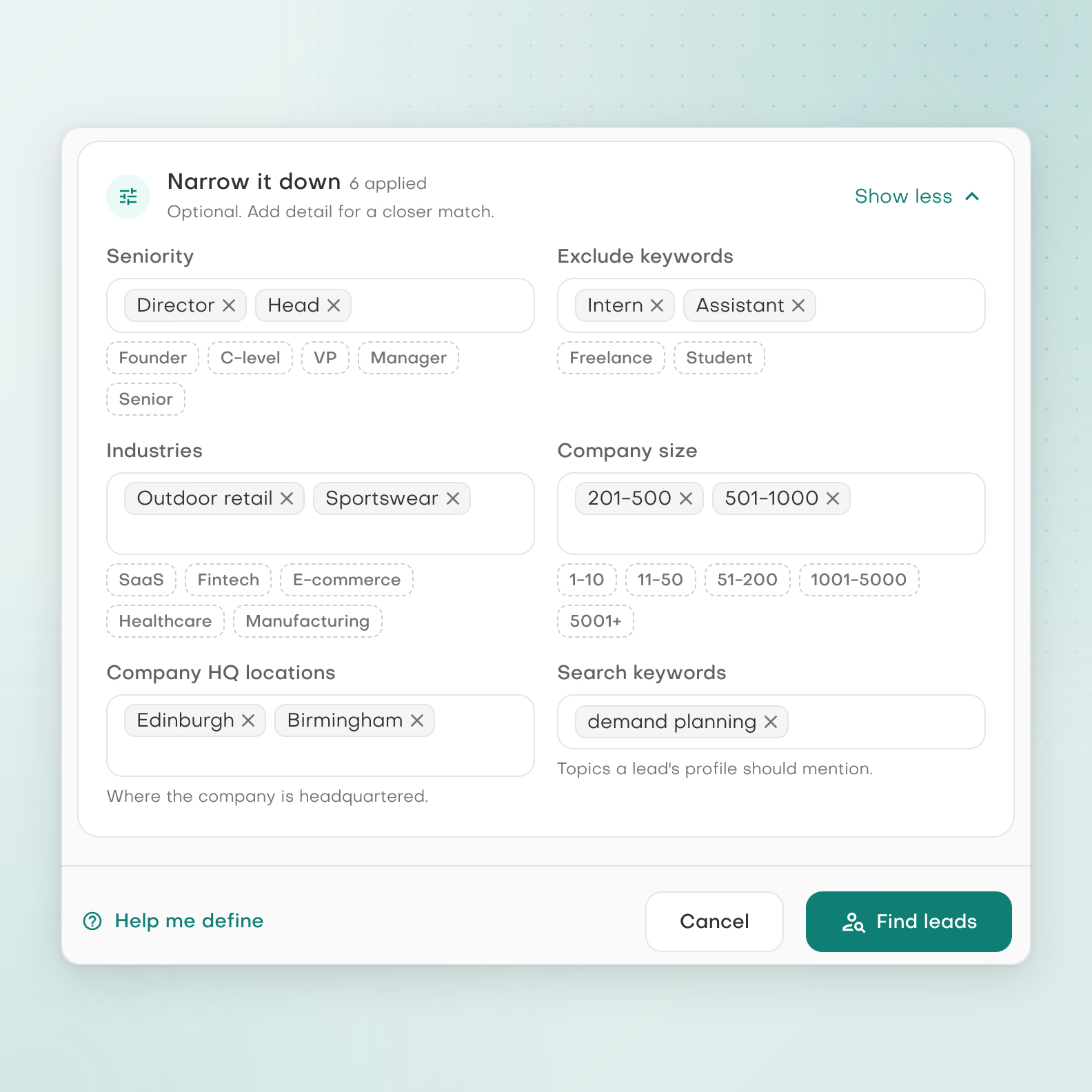
A lead search needs between 1 and 10 target companies, at least one role and at least one location. You can also filter by seniority, industry, company size, head office location and keywords, or exclude keywords. A Find fresh leads run starts from the CRM contacts toolbar and finds up to 1,000 leads.
Can I check a lead search before it runs?
Yes. Review the companies, roles, locations and filters before you start. Use exclude keywords to leave out roles you do not want, such as interns. In Manual mode, the run waits for your approval, so you get one last check.
What does a lead search return?
CRM contacts in a segment, with anyone already in your CRM joined rather than duplicated. Work emails are found from public sources where possible, each with a confidence score and a catch-all flag, which warns that the company accepts mail to any address. Each lead also comes with personalisation angles.
What should I check before using AI-generated prospect information?
Check fit, accuracy and email quality first. Does the company match your ideal customer profile? Are the person's role and seniority right? Look at each email's confidence score and its catch-all flag. Check that the public details are still current. In Manual mode, a lead run waits for your approval, so review the companies, roles and filters before it starts.
What does a lead search use from my Pebbles wallet?
A lead search uses leads. Each lead found uses 1 lead from your Pebbles wallet, and a run cannot find more leads than you have left. Searching for companies in chat is different: it is not charged per company and uses AI credits based on the size of the task.
How do leads help me personalise outreach?
Each lead comes with personalisation angles. They come from the person's public LinkedIn posts, or from their role and company when there are no posts. Use them to open your message with something that matters to that person.