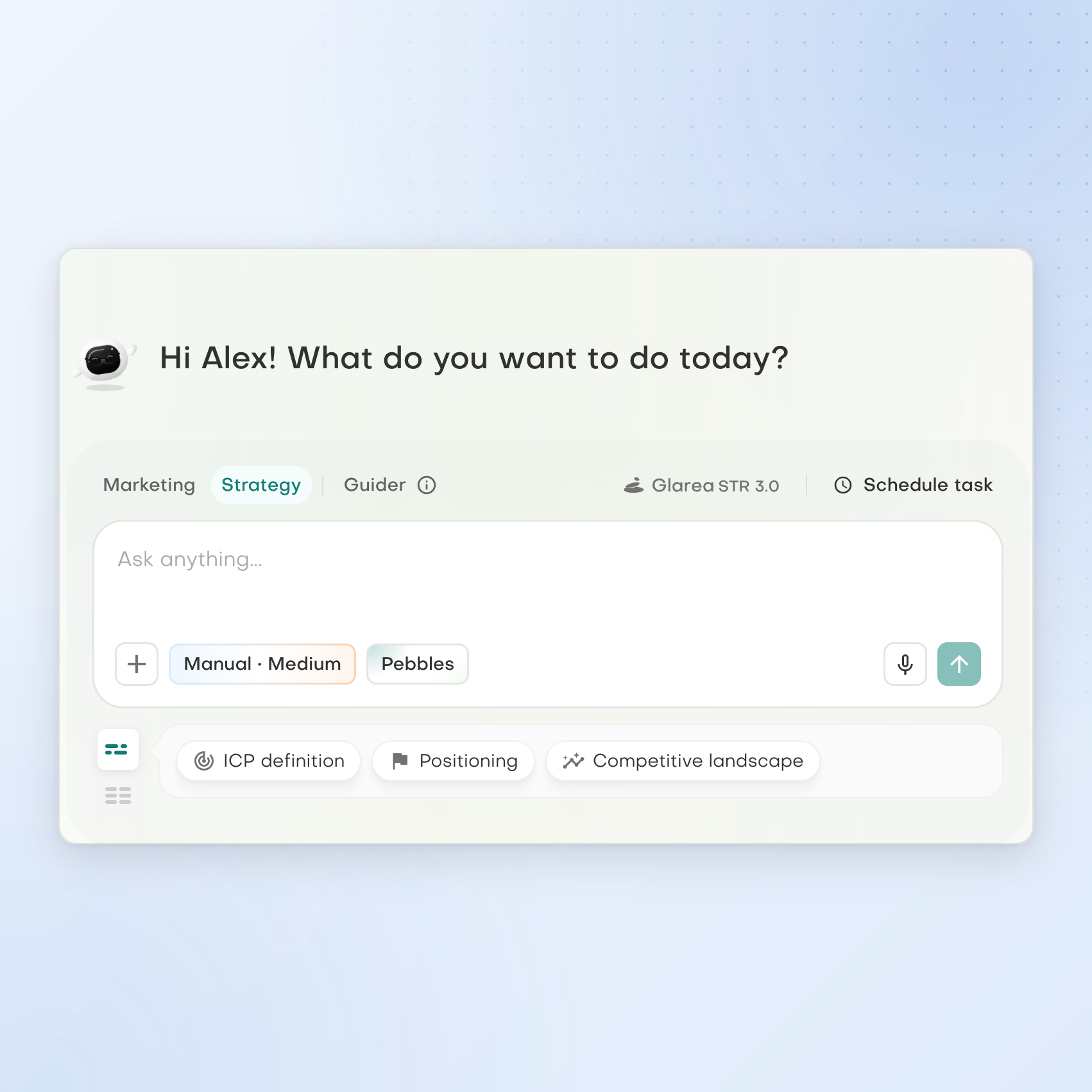
What is the Pebbles Ai workspace?
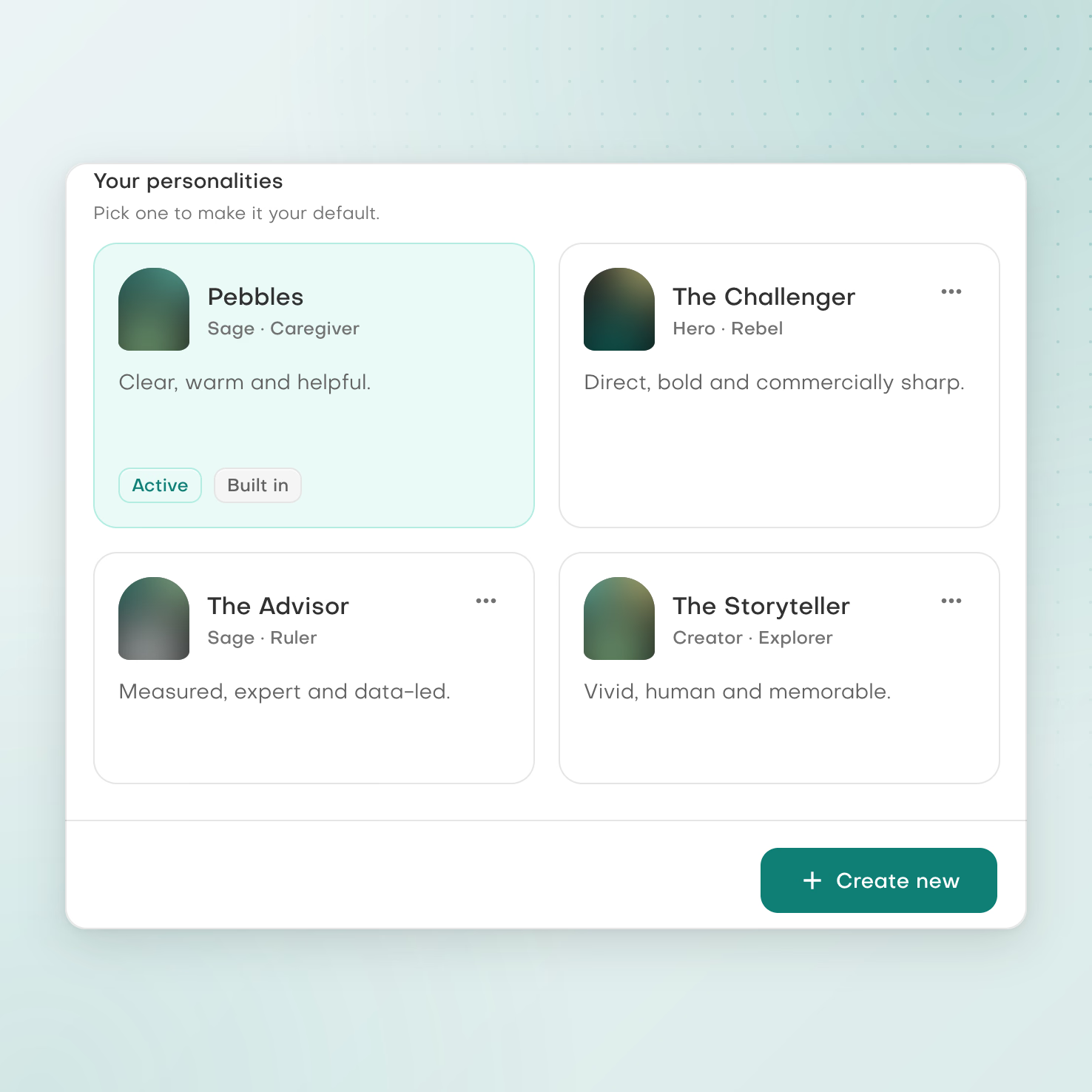
The Pebbles Ai workspace is where your sales and marketing work starts. Assistant chat is the home screen. The Marketing and Strategy assistants help with research, strategy and execution. The Guider helps you get set up. Projects keep related chats together.
Which assistant should I use?
Start with the Marketing or Strategy assistant for your work, and ask the Guider for help with Pebbles Ai itself. You do not need to pick perfectly. One assistant can pass part of a task to another inside the chat, so you do not need to switch between them yourself.
What can the assistants make for me?
Plans, research, messages and files. The assistants can generate on-brief images in the chat. The Strategy assistant can make a spreadsheet, a document or a slide deck for you to download. You can also dictate by voice, or upload audio to turn it into text.
Why use one workspace instead of separate AI chats?
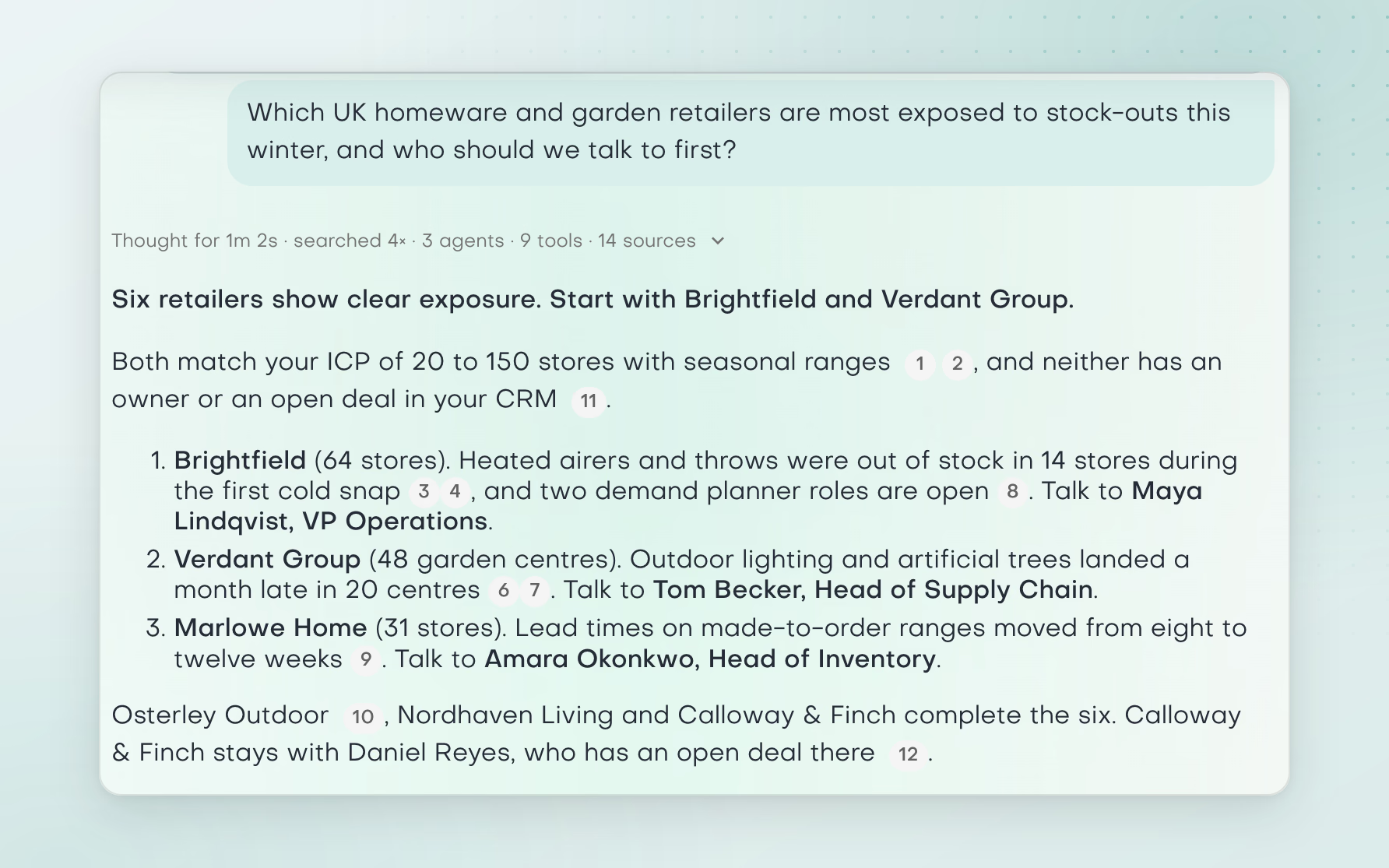
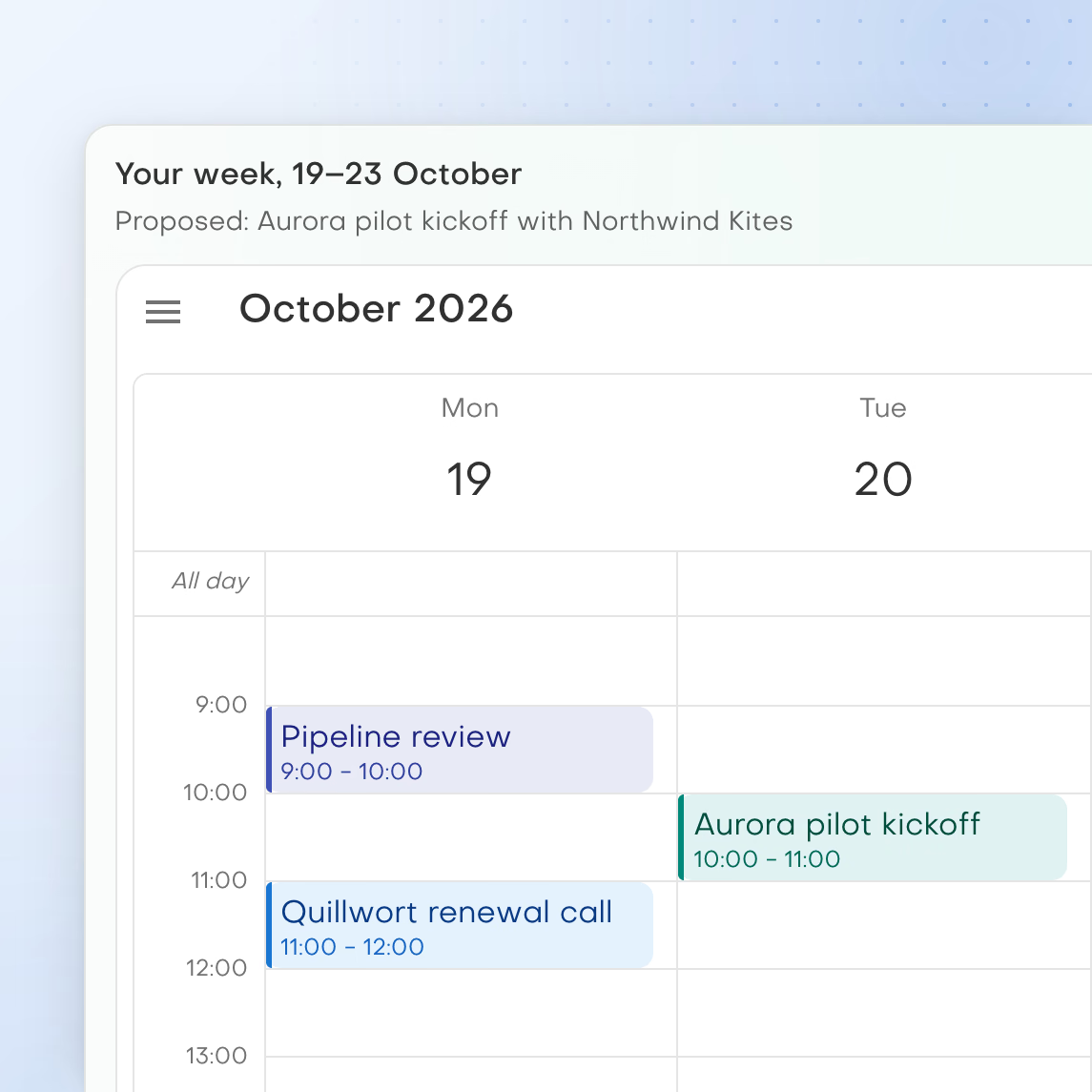
Because the context stays with the work. The assistants work from your Company Intel and Agent memory, so you do not repeat your company brief in every chat. Projects keep related chats together. The assistants can also use the tools you connect, such as your inbox and calendar.
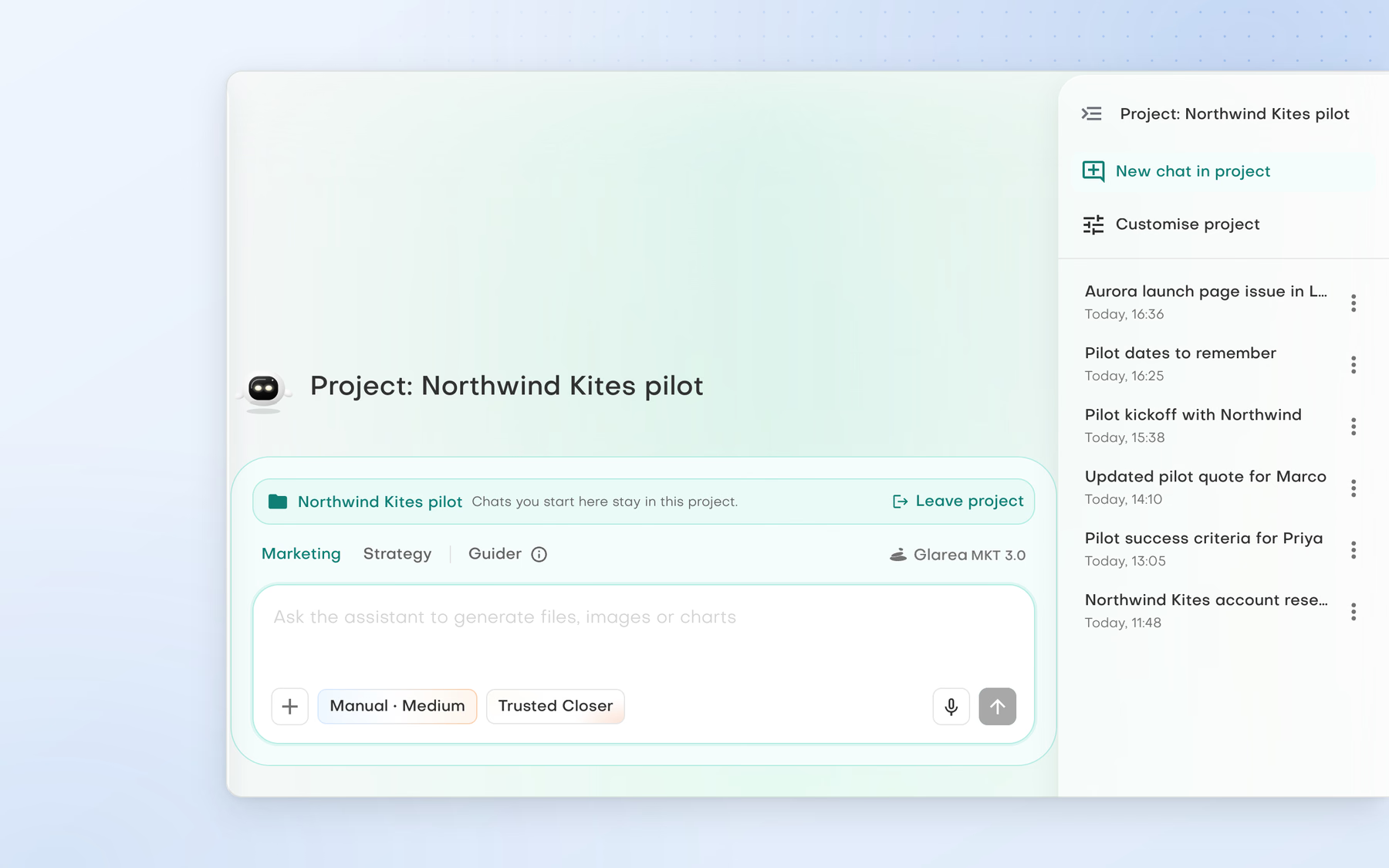
How do I keep the chats for one piece of work together?
Put them in a project. Create one with New project, then start each chat inside it, for example for a launch, a pilot or an account plan. With Agent memory on, the project remembers the goals and decisions you state there. Projects are private to the person who creates them.
Can an assistant take actions automatically?
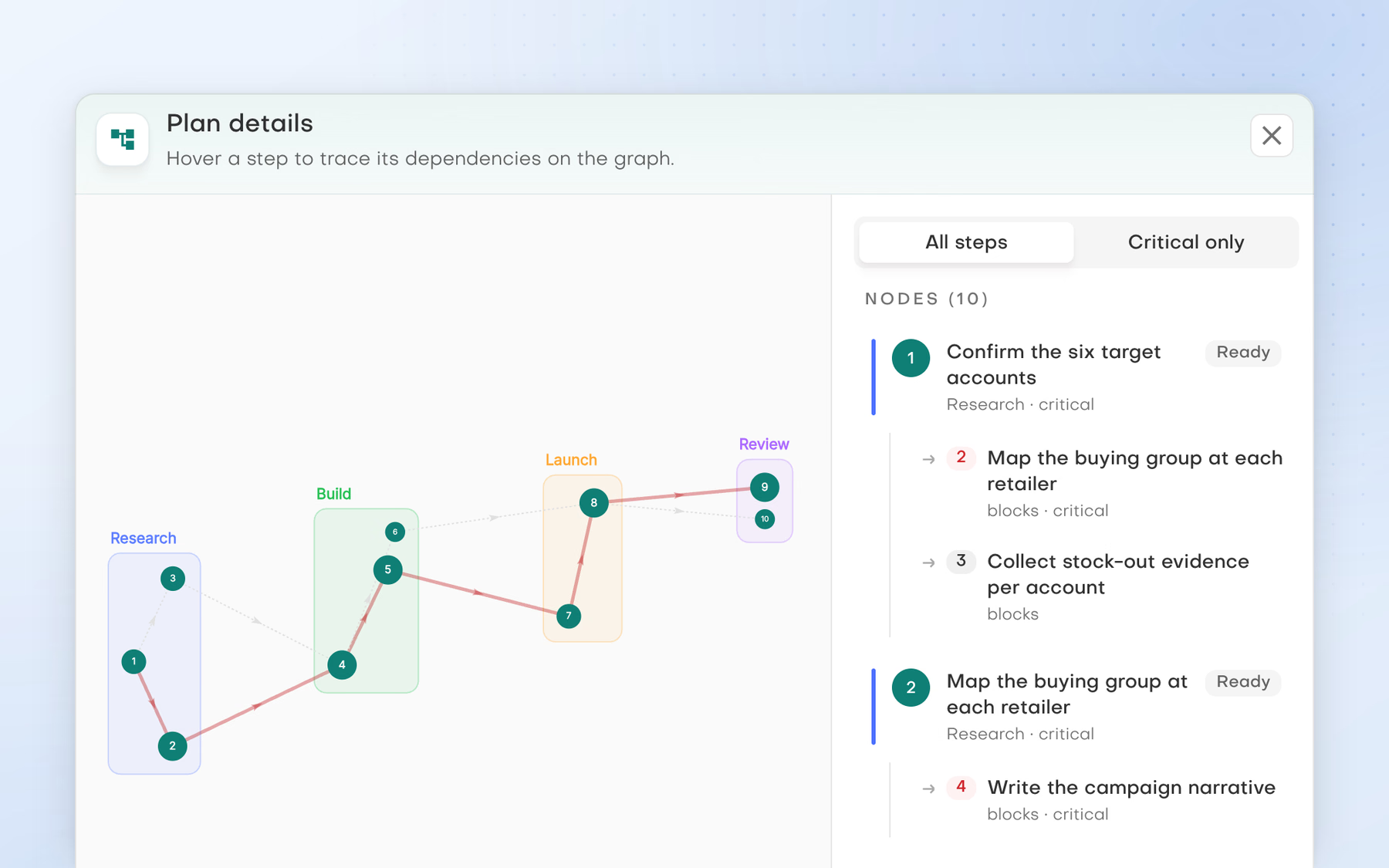
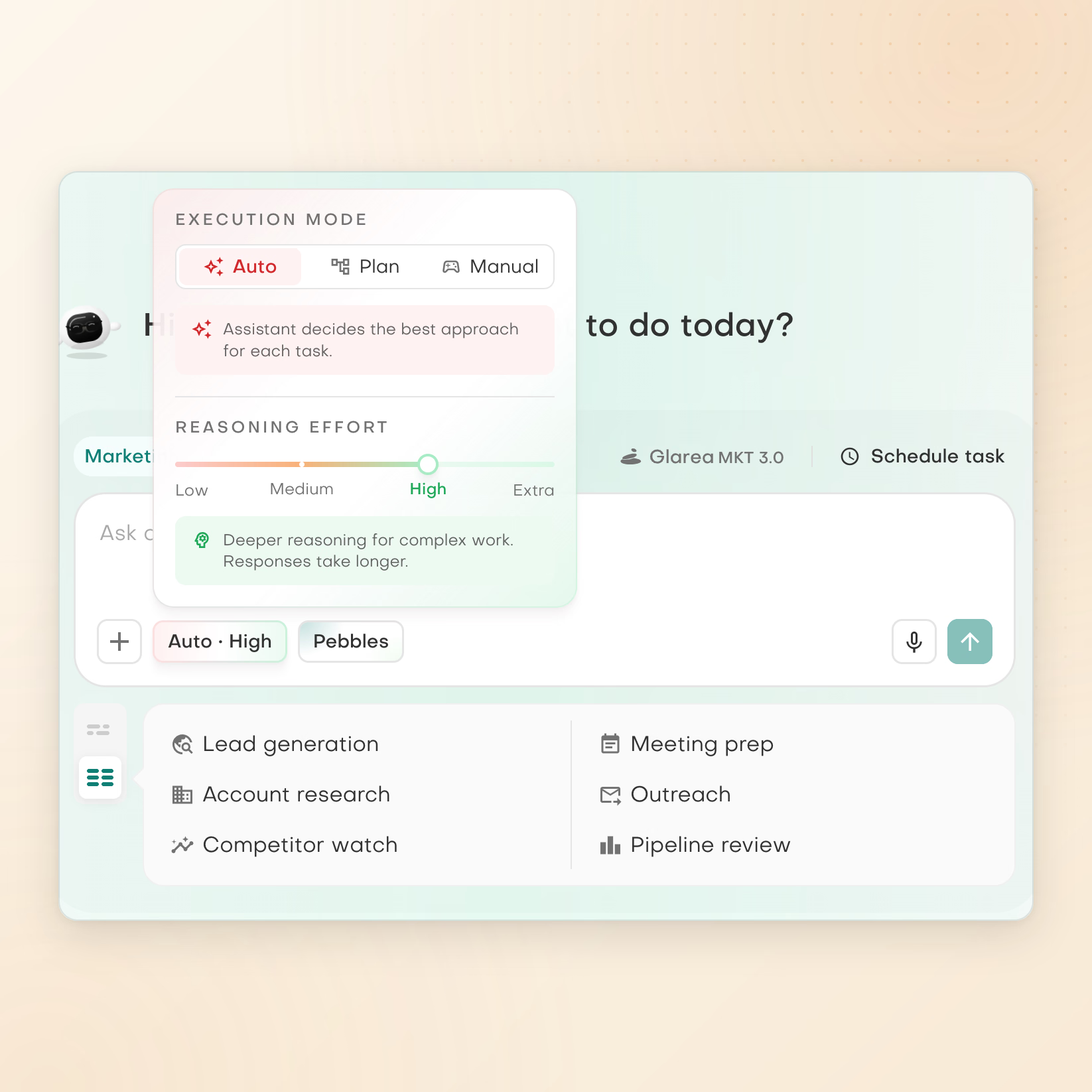
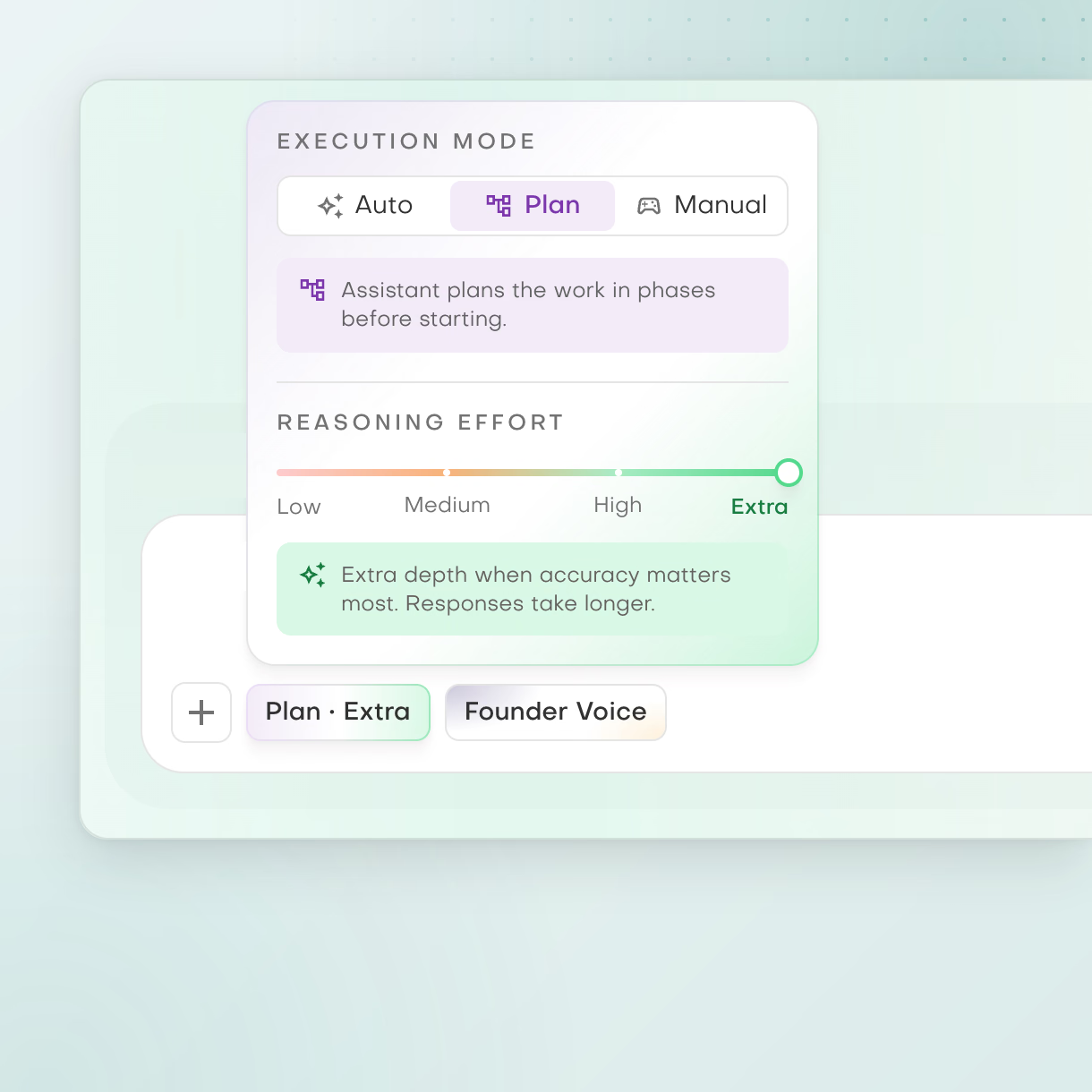
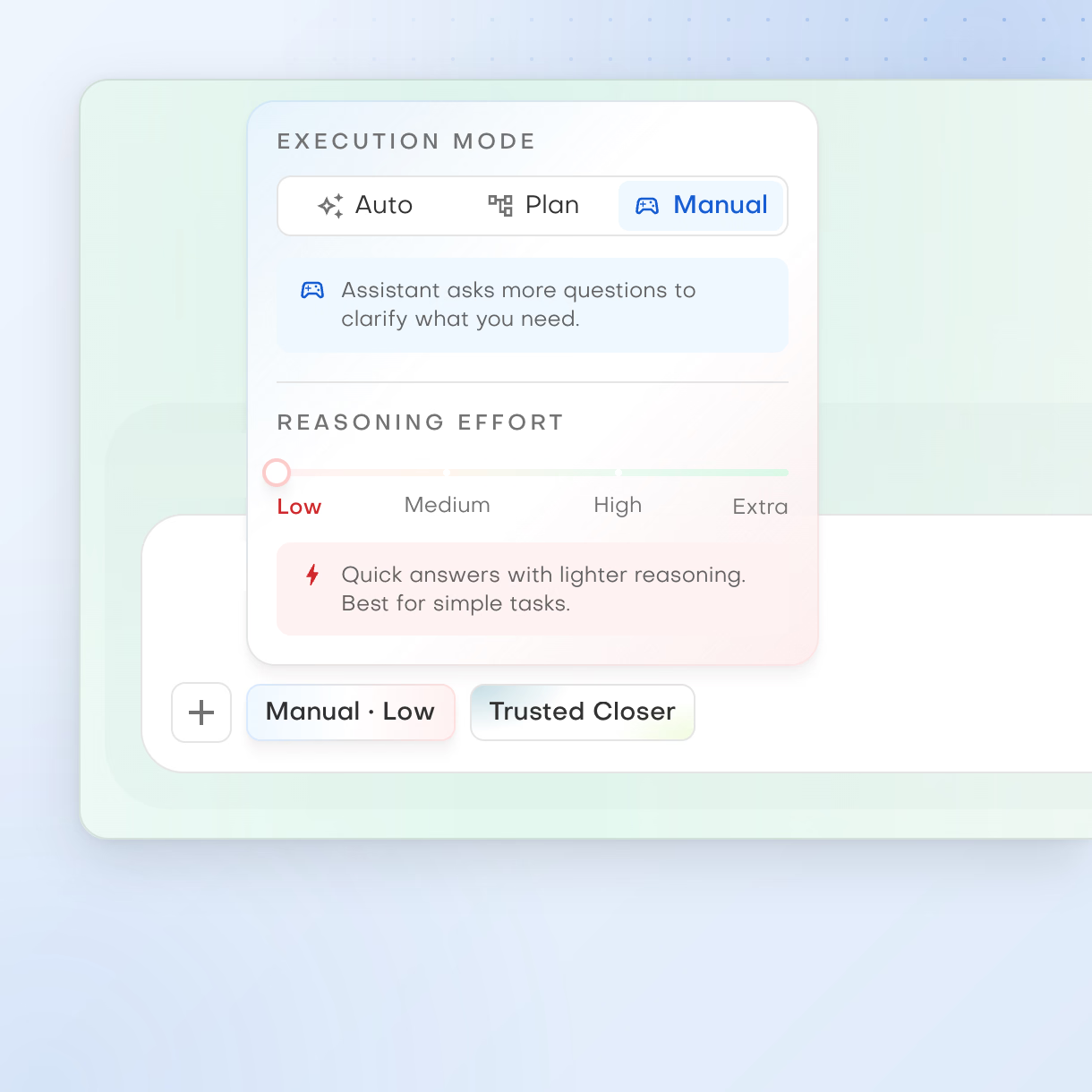
Yes, in Auto mode. You choose between Auto, Plan and Manual. The web app starts in Manual, where actions outside the workspace wait for your approval. Plan lines them up for you to review without running them. Auto runs them without asking. Template sends, calendar deletions and new scheduled tasks always ask first.
What is an approval card?
An approval card is a short card in the chat that asks you to confirm an action. In Manual mode, sending email, posting, CRM changes, calendar changes, Slack and Notion changes, MCP calls and starting lead generation each show one. The action runs only after you approve it.
Can the assistants work on a schedule?
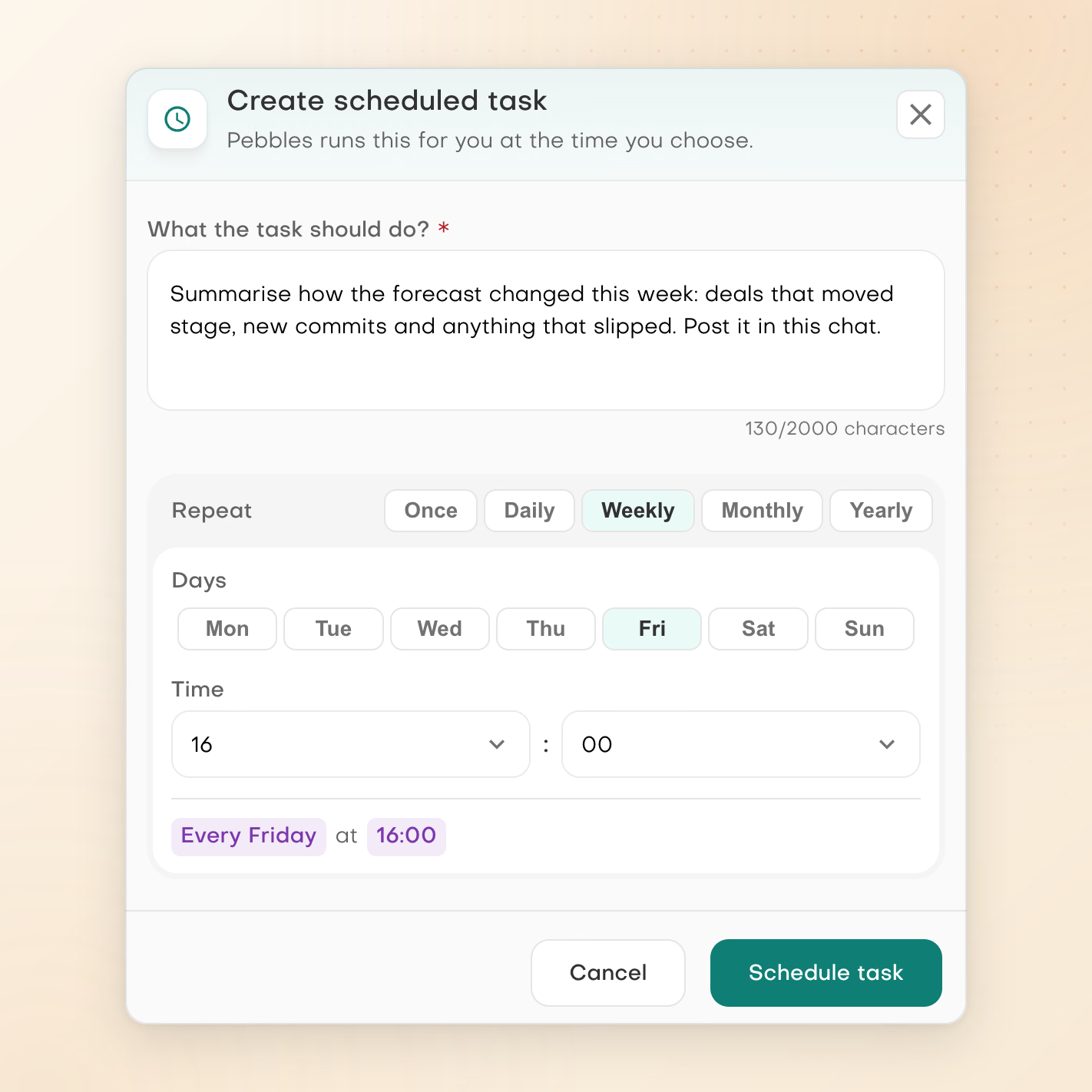
Yes. Ask the Marketing or Strategy assistant to do something at a set time or on a repeat, such as a competitor pricing check every Monday posted to Slack, or add it in Scheduled tasks. It runs on its own in your time zone and keeps each result in the panel. Creating a task asks for your approval, which covers its runs.
Can one request combine several tools?
Yes. One request can map a target company's site, find look-alike companies, generate leads there, add them to the CRM, write personalised emails from a template and send them from your mailbox. Another can find a free slot, invite the guests, write a prep page in Notion and email the agenda. Each action follows your execution mode.
Can I keep working while an assistant is busy?
Yes. The assistants hand parts of a bigger task to writing, editing, research and outreach specialists that work in the background, up to three at once. You can check on each one, send it a message or stop it, and you can add a message while the assistant is still working.