Skip to content
Pebbles Ai

Growth & revenue

An AI CRM for contacts, companies and deals

Every customer record in one place

Manage contacts, companies, relationships, conversations and sales pipelines in one workspace.

Customer details spread across spreadsheets?

From a contact list to a pipeline

Import contacts from Google, Microsoft or a spreadsheet, keep each record's details, activity and linked records on one page, and track deals and tasks on boards with saved views.

  • Record pages

    Details, activity and linked records on each contact's page, with notes and tasks beside them.

  • Deals on boards

    Track deals and tasks on boards, each deal with its stage, amount, currency, close date and probability.

  • Imports and views

    Imports from Google, Microsoft or a spreadsheet straight into segments, saved views on every record type and duplicate merging.

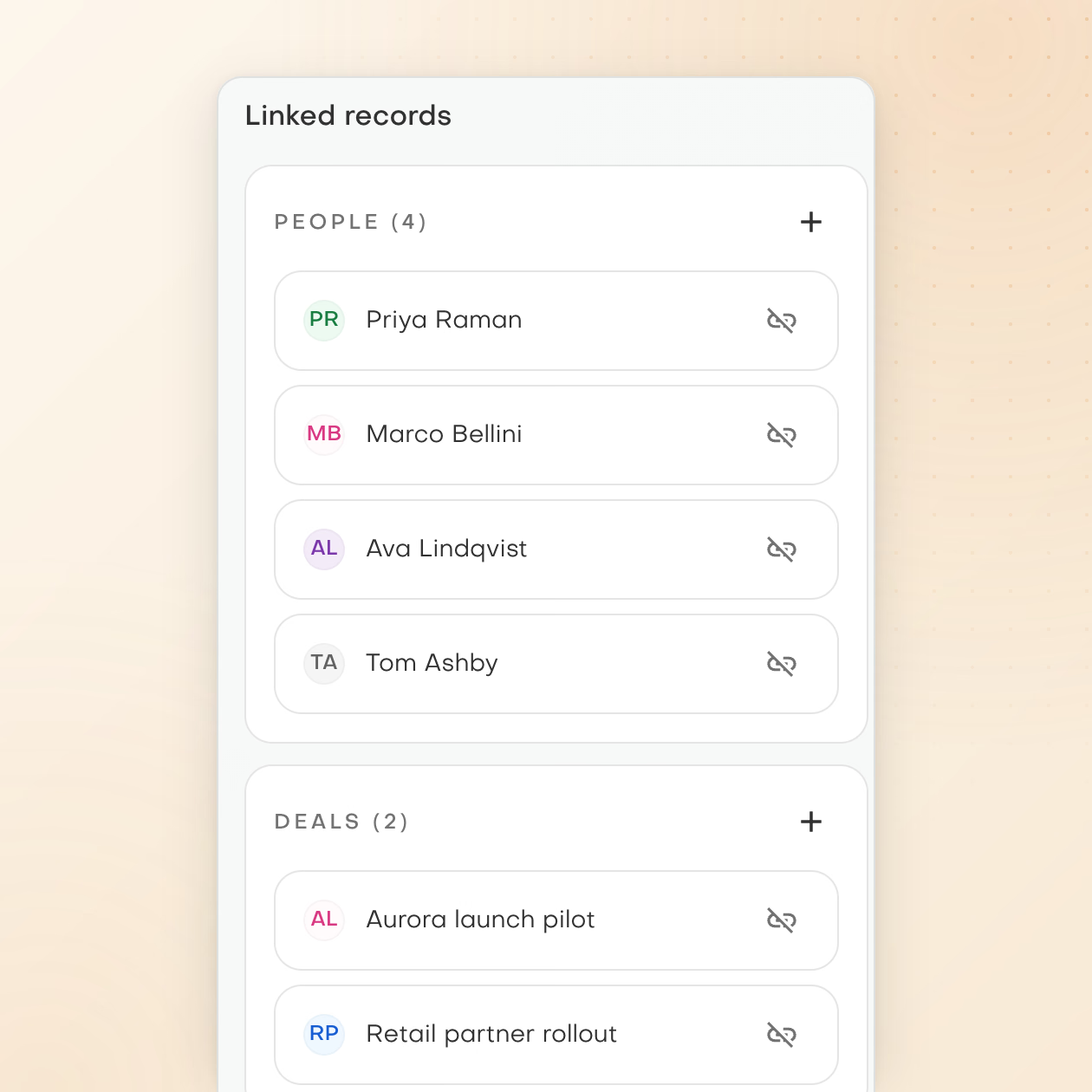
Linked records for Northwind Kites: Priya Raman, Marco Bellini, Ava Lindqvist and Tom Ashby, with the Aurora launch pilot and Retail partner rollout deals.

A company and its work on one record

See a company's details, insight summary, people, deals, tasks and notes on one record.

What you can work on

What you can do in the CRM

Keep records in one place

The CRM has record pages with details, activity and linked records, plus tasks, notes and ideal customer profiles. Write and send email from any contact, logged on the record. Admins add custom fields, and you can restore deleted records from the Bin.

Track deals and tasks on boards

Deals hold stage, amount, currency, close date and probability. Move deals and tasks across boards, and save the views and filters your team works from.

Import and tidy your contacts

Import contacts from Google, Microsoft or a CSV file, sort them into segments and merge duplicates. Leads found in Pebbles Ai land as contacts in a segment, with personalisation angles.

Current product view

See the Pebbles Ai CRM in practice

Follow each deal by stage, keep the team's tasks in view and see a company's people, deals and notes on one record.

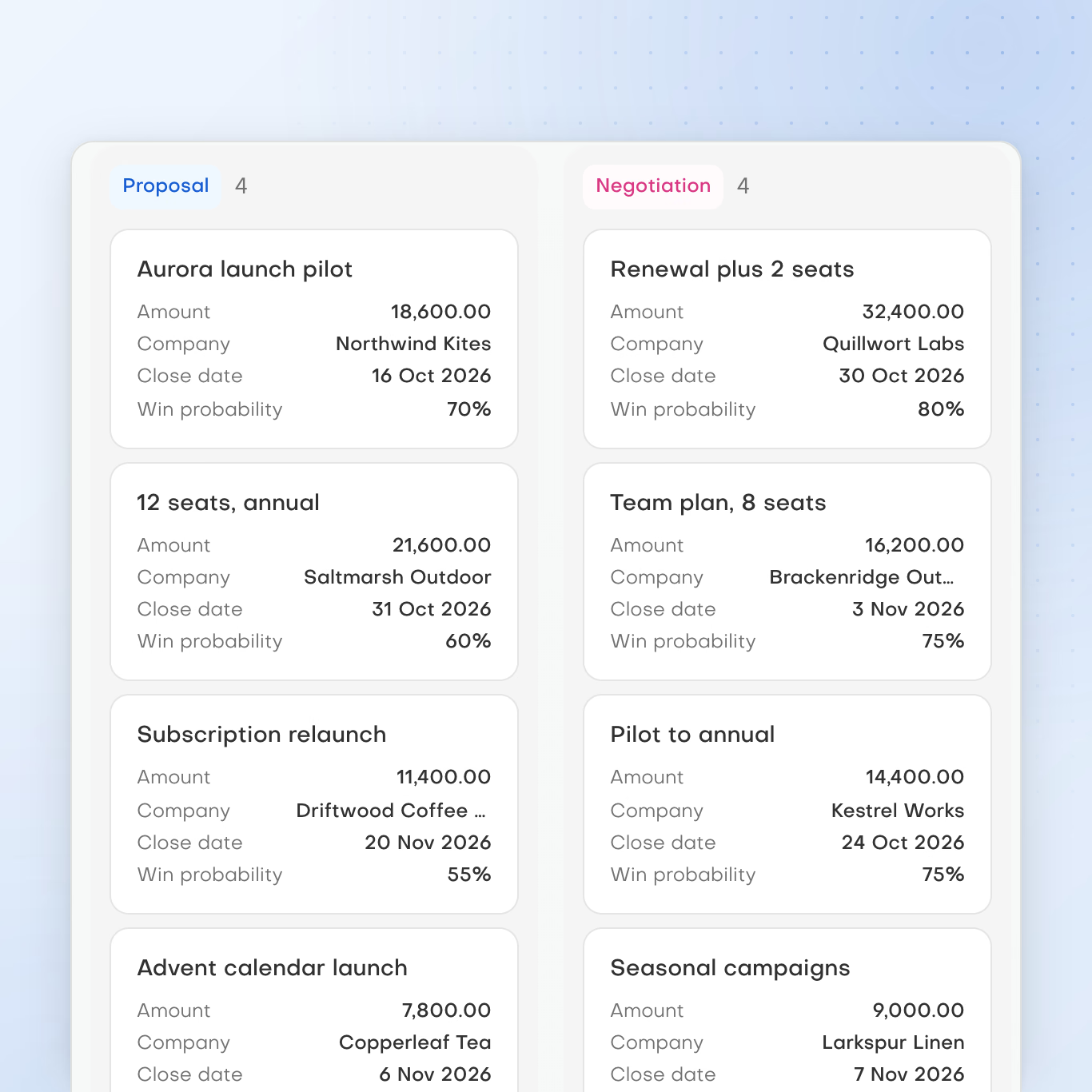
Proposal and Negotiation columns, with the Aurora launch pilot for Northwind Kites (18,600, closing 16 October, 70%) at the top.

Deals by stage

Follow every open deal from Qualification to Negotiation, with value, close date and win probability on each card.

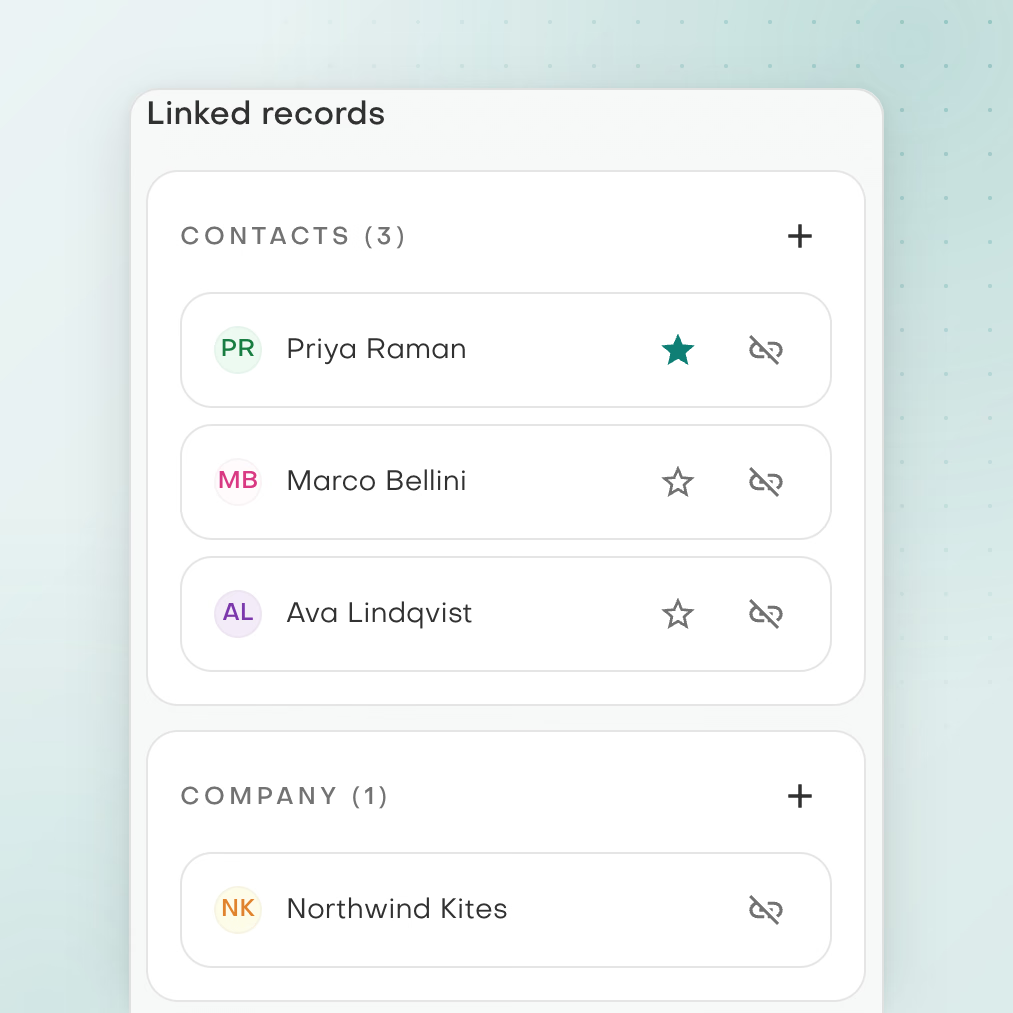
Contacts on the Aurora launch pilot deal, with Priya Raman as primary alongside Marco Bellini and Ava Lindqvist, linked to Northwind Kites.

The deal in detail

Open a deal to see its stage, value, close date, notes, tasks and the contacts involved.

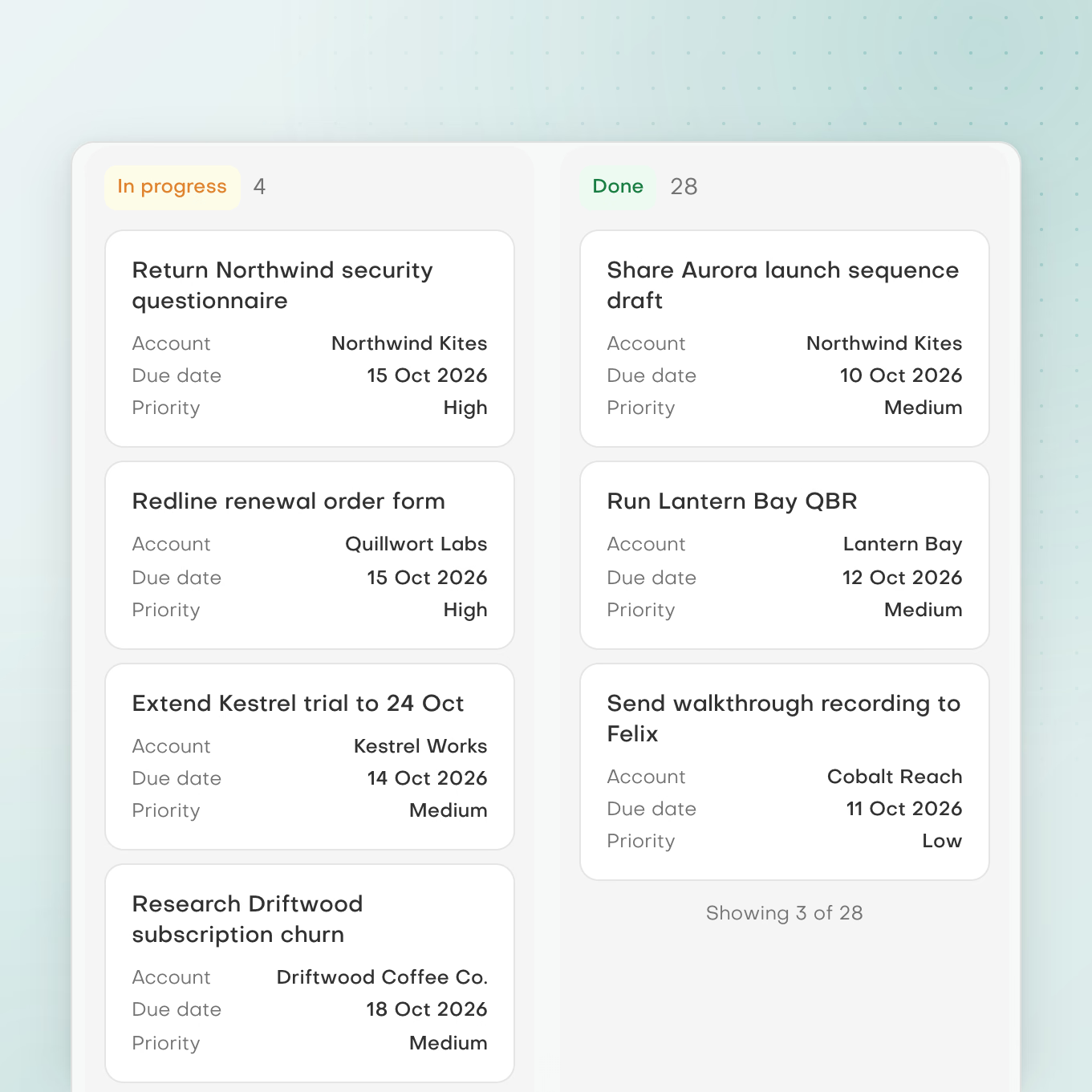
In progress and Done columns, with the Northwind security questionnaire under way and the Aurora launch sequence draft completed.

Team tasks in view

Keep the team's tasks on one board and move each one from Todo through In progress to Done.

A practical starting point

How to set up the CRM

  1. Import your contacts from Google, Microsoft or a spreadsheet, or run a lead search to add new ones.
  2. Sort contacts into segments, add notes and tasks, and open a deal for each opportunity.
  3. Track deals and tasks on boards, and ask an assistant to update the CRM from chat, approving each change in Manual mode.

Clear answers

Common questions about the CRM

What can I do in the Pebbles Ai CRM?

The Pebbles Ai CRM keeps contacts, companies, deals, tasks and notes in one place. Write and send email from any contact, logged on the record. Add custom fields, save views on every record type, track deals and tasks on boards, merge duplicates and keep ideal customer profiles. Import contacts from Google, Microsoft or a spreadsheet, straight into segments.

Can the Pebbles Ai CRM replace my current CRM?

Yes. It has record pages, custom fields with display styles, segments, deals, boards, saved views on every record type and an email composer on every contact that sends from your own mailbox. The assistants fill and update it from chat. If you keep Attio or Pipedrive, the assistants keep it in step through MCP.

Can I import old contacts and reach out to them again?

Yes. Import your old contacts into the CRM from a CSV file, Google or Microsoft. Then send each contact an email from the Outbound section of their record, write a first message to them in Outreach, or send personalised emails to the whole segment from one template, which always asks for your approval. Everything goes from your connected Gmail or Outlook mailbox.

How do I keep relationship context alongside outreach preparation?

Keep it on the contact's record in the CRM. Record pages show details, activity and linked records, and you can add notes and tasks. Leads found in Pebbles Ai come with personalisation angles, and contacts get marketing and sales angles. Track deals and tasks on boards. Write and send an email from the record's Outbound section, and it is logged on the contact with everything else you have sent.

What should I evaluate in an AI-assisted CRM workflow?

Check imports, approvals, records and limits. Pebbles Ai imports contacts from Google, Microsoft or a CSV. CRM writes follow your execution mode, and a template send to a segment always asks. Admins add custom fields, and you save views, merge duplicates and restore records from the Bin in batches. The assistants reach Pipedrive and Attio through MCP.


For more context, read How to build a B2B ideal customer profile (ICP). To see how other tools approach this work, compare CRM and prospecting tools.

Your next chapter

Keep every customer record in one place

Import your contacts, track deals on boards and keep notes and tasks beside each record.